← All four pillars

Pillar 2 of 4 · Vault

Every certificate.
One place. Offline.

Tickets, inductions, medicals, signed permits — sorted into folders by type and pulled up in two taps when the gate guard wants proof. Scan paper docs with your phone camera and they land in the right folder, ready offline.

My vault · 12 files
Site inductions
Last opened today · offline
4
Tickets and licences
Updated 02 May
3
Medicals
Updated 14 Apr
2
Permits and forms
From phone scans
3

Sorted by ticket type

Inductions, tickets, medicals, permits — each in their own folder.

When you tap a folder, you see exactly what's in there with file count, last-opened date, and which docs came from a phone scan. No more guessing whether your white card is in your email, your downloads, or a screenshot from three years ago.

  • Predictable folders — Inductions, Tickets, Medicals, Permits, Forms. Pre-named so you don't decide.
  • Phone-scan goes home — anything you scan from the camera lands in the right folder automatically.
  • Search and tag — type a ticket name, find it in a second.
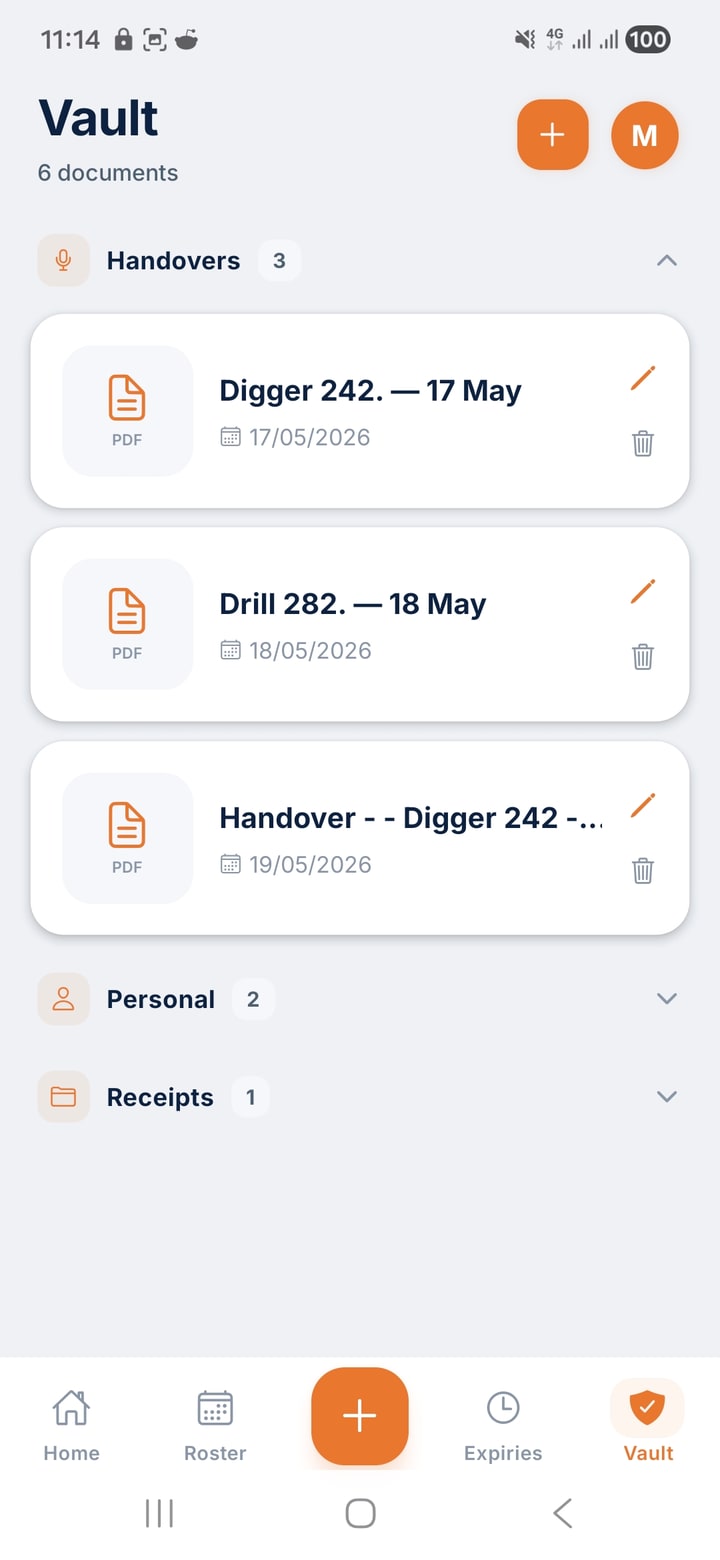
Vault · sorted
White card
PDF · 1.2 MB · added 12 Mar
PDF
Working at heights
PDF · 980 KB · phone-scanned
PDF
Confined space
PDF · 720 KB · added 04 Apr
PDF
Scan · Capturing page 2
Page edges locked · Saving to Vault
Scan to PDF · inside Vault

The site printer is dead. Use your phone.

Built on Google's document scan engine — the same one in Google Drive's Scan. Point your phone at a permit, a receipt, a signed form, or a hand-marked drawing. It finds the page edges, crops, corrects perspective, and stitches a clean multi-page PDF. The PDF lands straight in the right Vault folder.

  • Automatic edge detection — finds the page on a dusty crib-room table or a sun-bleached ute bonnet.
  • Perspective correction — the captured page looks flat and rectangular, not the angle your phone was at.
  • Multi-page in a single PDF — keep tapping Add Page. One file out the other side.
  • Lands in the right Vault folder — Permits → Permits, Tickets → Tickets. Or email straight from the camera.

How Scan works

Tap. Frame. Send.

1

Tap Scan

From inside any Vault folder, hit Scan. Your camera opens with the document overlay live.

2

Frame the page

Hold your phone over the page. ShiftCore finds the edges, locks the frame, and grabs the shot. Keep going for more pages.

3

Save or email

One clean PDF. Save to the folder you started in, or email it straight from the ute without going near a printer.

Offline ready

Pulled up at the gate where the signal is rubbish.

Everything in your Vault is stored on your phone first. Sync is a bonus, not a requirement. Gate guard wants proof of induction at 4am with one bar of signal? Open Vault, tap the folder, show the PDF. Done.

  • On-device first — every file you've added is available with airplane mode on.
  • Sync when there's signal — back to your other devices automatically when you're back on network.
  • Phone-scan never needs network — the scan engine runs locally; the PDF saves locally.
Vault · offline mode
Site inductions
✓ Available offline
4
Tickets and licences
✓ Available offline
3
Medicals
✓ Available offline
2

Yours and only yours

Stored in Australia. Never shared with your employer.

Your Vault is yours. Not your supervisor's. Not your employer's. Not the LMS your site runs on. Files are stored on Australian infrastructure and access is locked to your account.

  • Australian-hosted — your documents stay in-country.
  • Never sold, never shared — no advertiser, no employer access, no third-party data deal.
  • You delete, it's gone — remove a file and it's removed from sync immediately.
Privacy · all green
Hosted in
Sydney, Australia
AU
Shared with employer
Never
Sold to advertisers
Never

The other three

What else is in ShiftCore.

Ready when you are

One app for everything you carry.

ShiftCore is free for 60 days. No card upfront. Cancel any time.